What is WebAR? Augmented reality that runs in the browser
WebAR is augmented reality without the app — it opens from a link in your phone's browser. Here's how it works, what it can track, and why it's the most accessible way to ship AR.

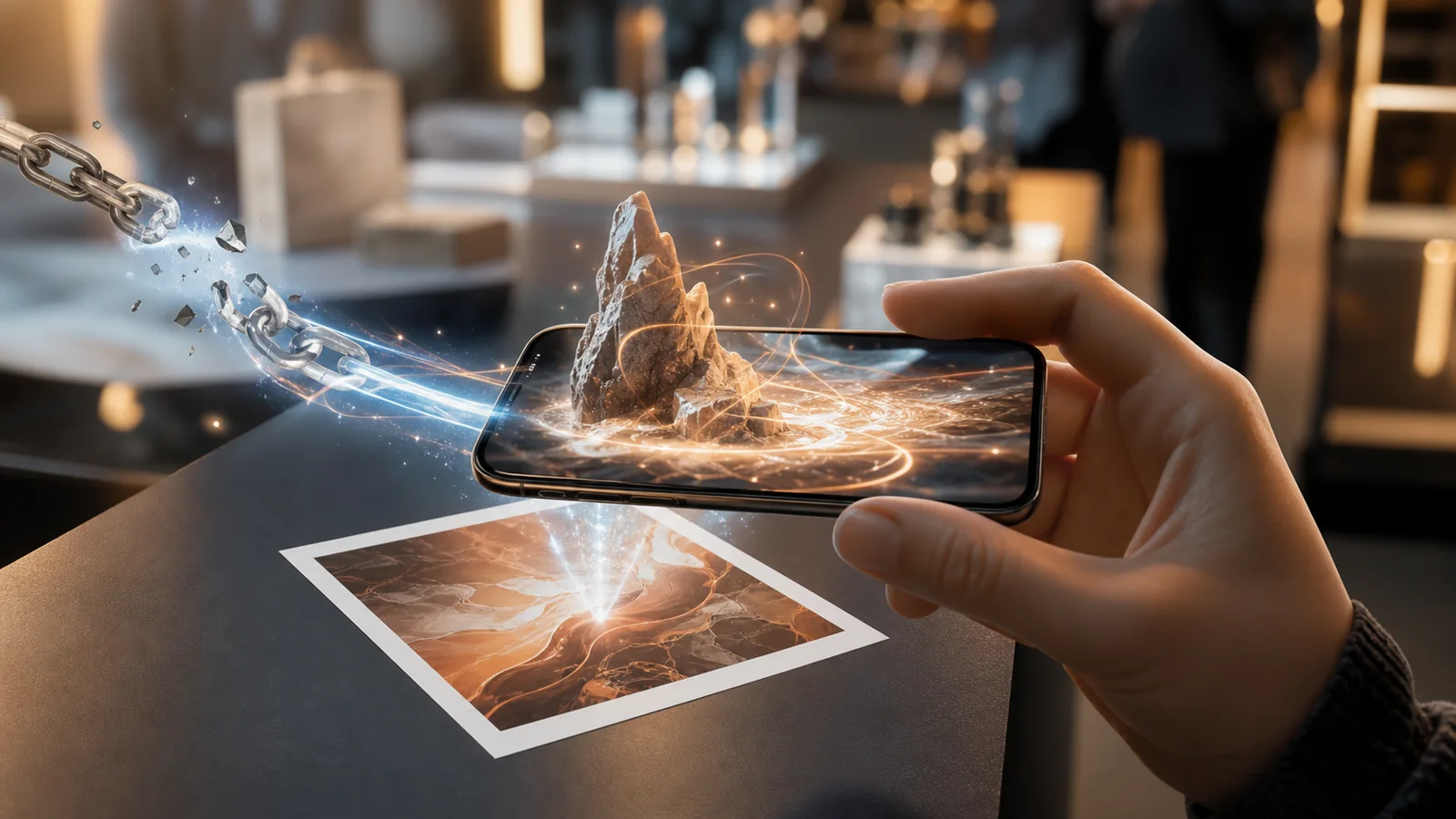
WebAR is augmented reality that runs inside a mobile web browser. There's no app store and no download: a person taps a link or scans a QR code, allows camera access, and interactive 3D content appears anchored to the real world — on a table, a poster, their face, or a spot on the map.
That one shift — from "install an app" to "open a link" — is the whole story. It's the difference between an experience a handful of committed fans will download and one that anyone can open in the two seconds it takes to scan a code.
How WebAR actually works
Under the hood, every WebAR experience does three things, many times a second:
- Opens the camera through the browser's media and motion APIs.
- Tracks the world — a computer-vision or WebXR engine works out where the phone is relative to a surface, an image, or a face.
- Renders 3D content with WebGL (commonly via three.js), drawing virtual objects registered to that anchor so they appear to sit in real space.
On capable Android devices, native WebXR and ARCore handle surface and world tracking directly in the browser. For image, face and sky tracking — and to cover iOS, where browser AR is more limited — computer-vision runtimes such as 8th Wall fill the gaps. The plumbing differs; the result is the same: AR in a tab.
What you can anchor content to
"Augmented reality" is a broad word. In practice, WebAR experiences are defined by what they track:
- World / surfaces — place a 3D object on a floor or table, then move around it.
- Images — pin content to a printed poster, label, or card (a "marker").
- Faces — attach masks, makeup, or try-on effects using the front camera.
- Sky — replace or augment the sky for large, atmospheric scenes.
- Location — anchor content to GPS coordinates for tours and geo-games.
WebAR vs. app-based AR
Native AR apps built on ARKit or ARCore can squeeze out maximum fidelity — dense meshes, persistent anchors, console-grade lighting. But that power comes with a tax: an app to build and maintain, a store review to pass, and a user who has to download something before they see anything.
WebAR trades a little of that ceiling for something most projects value more: zero friction and universal reach. For marketing, retail, packaging, events, and education, the audience is casual and one-time. Reach beats fidelity. If your goal is "as many people as possible experience this with the smallest possible barrier," the browser wins.
If your audience has to install something, most of them won't. WebAR simply removes the install.
Where WebAR shines — and where it doesn't
WebAR is a strong fit for campaigns and product moments: a package that comes alive when you scan it, a sneaker you can place on the floor, a filter that spreads on social, a museum plaque that explains itself. It's less suited to persistent, graphics-heavy multiplayer worlds — that's still native territory. Knowing the boundary keeps a project honest.
How XR Designer fits in
Historically, building WebAR still meant writing JavaScript and wrangling 3D libraries. XR Designer removes that step. It's a no-code studio where you compose a 3D scene in a live viewport, wire up interactions visually, and publish to a shareable link with a QR code — no app, no SDK, no engineering team. What you preview in the editor is exactly what ships.
If you're weighing whether to build native or for the browser, read AR without an app: why the browser won. Ready to make one? Build your first AR experience without code walks through it step by step.
Make your first WebAR experience
Compose a scene, wire the interactions, publish to a link. Free to build and preview — no app, no code.
Start building — free