7 ways augmented reality grows your business
Augmented reality is a measurable growth lever, not a novelty — when you tie it to selling, engagement and the numbers that follow.
Augmented reality earns its keep when it does a job for the business — sells a product, lifts engagement, or sends you data you can act on. Treated that way, AR stops being a stunt and becomes a channel you measure like any other.
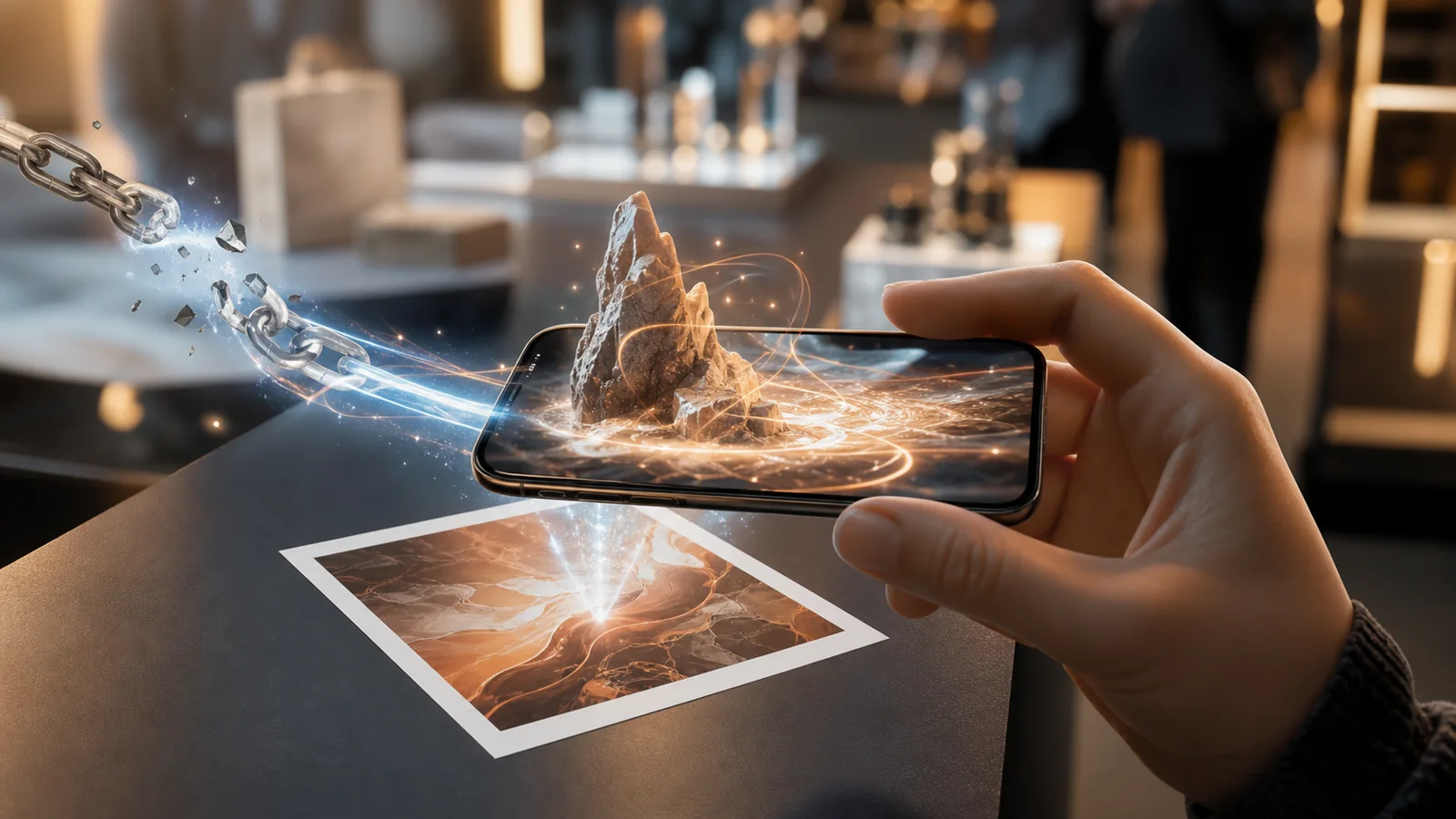
The barrier used to be cost: native apps, SDKs, an engineering team. WebAR removed it. Now an AR experience opens from a link or QR code in the phone's browser, with no install, which means you can put it in front of an entire audience instead of the few who would download something. Here are seven ways to turn that reach into results.
1. Try-before-you-buy product viewers
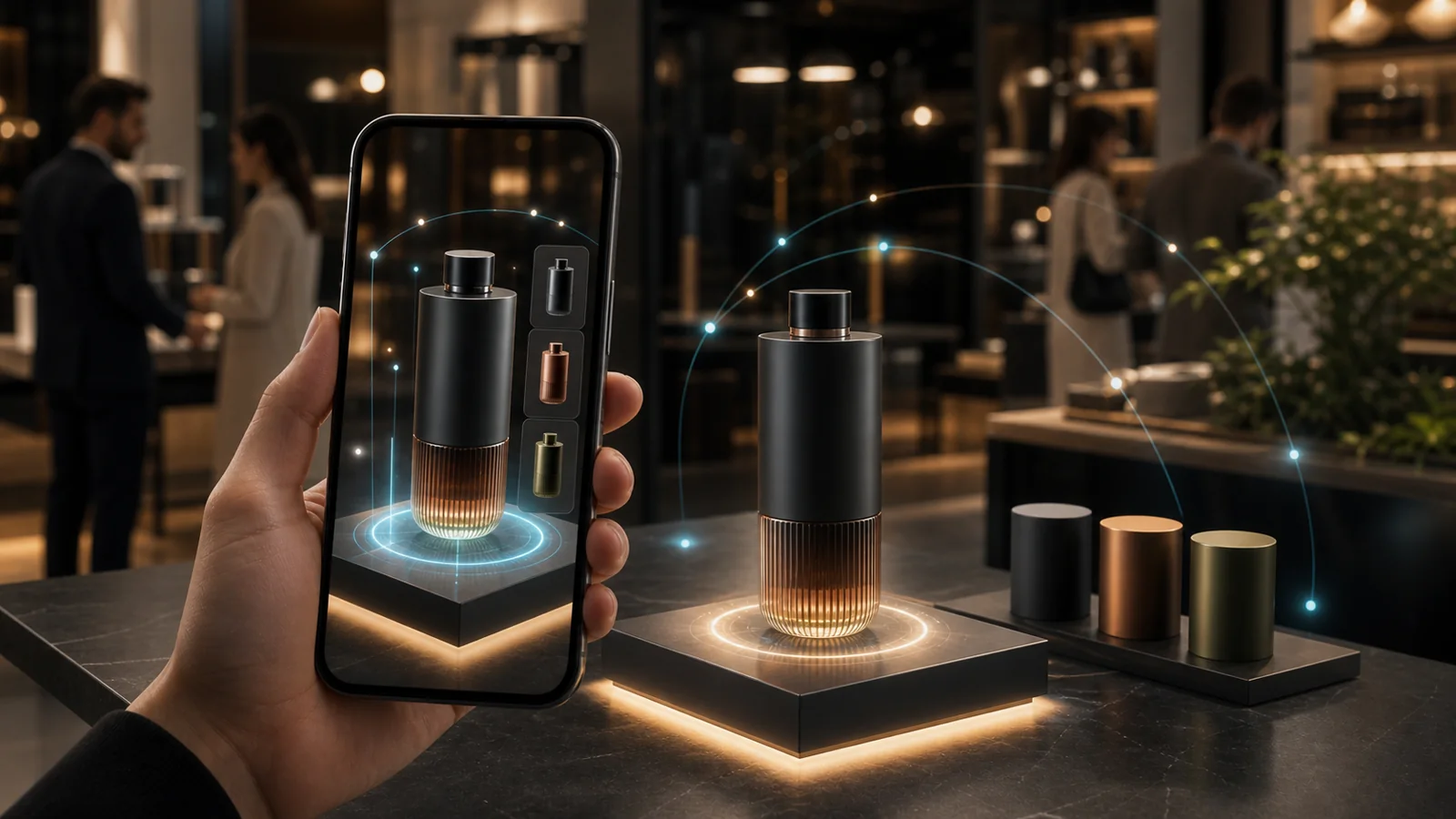
Let a customer place a true-to-scale 3D product on their own floor or desk and walk around it. World tracking via native WebXR/ARCore handles the placement and the tap-to-place, drag and pinch gestures; everything is built at 1 unit = 1 metre, so the size is honest. Seeing the real footprint builds confidence before checkout and cuts the returns that come from "it didn't fit."
2. Virtual try-on
Face tracking on the front camera attaches makeup, eyewear and accessories to the customer's own face in real time. They see the lipstick shade or the frames on themselves, not on a model, which is the closest a screen gets to the mirror in a store — and it runs from a link they can open anywhere.
3. Packaging that comes alive
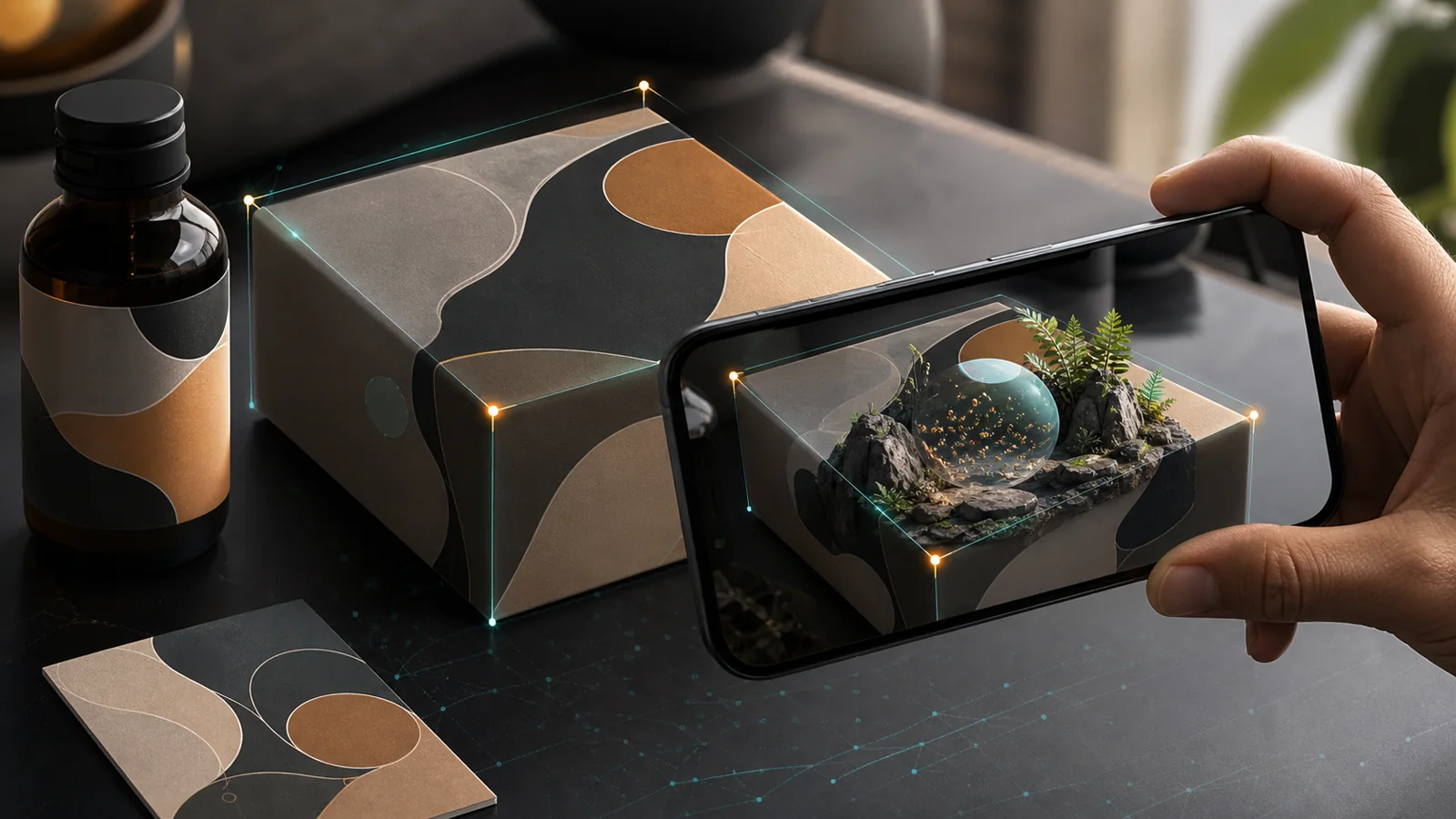
Image tracking pins content to the pack itself — a poster, a label, a box — so the scene appears registered to the artwork the customer is already holding. Use it for how-to guides, brand stories, loyalty rewards or a quick mini-game. The packaging stops being inert and starts doing a second job after the sale. More on this in image-tracking AR for packaging and print.
4. Interactive print and posters
Turn an ad, flyer or poster into a scannable experience. A QR code or a tracked image opens the AR scene in the browser, and because every open is logged, that piece of print now reports back: you can see how many people actually engaged, not just how many copies you handed out.
5. Gamification and rewards
Scored AR games keep people in the experience longer and bring them back. Wire triggers to actions — tap to shoot a configurable projectile, fire a one-shot effect on a hit, increment a scene variable, gate the next step behind a score. Confetti, shockwaves and a leaderboard counter are a few clicks, no code, and they reward the repeat scans that build a habit.
6. Location-based experiences
Anchor content to GPS coordinates for tours, landmarks and wayfinding that pull people to a physical place. Each node gets a latitude and longitude picked on a map; Android walks around the scene via WebXR/ARCore, iOS looks around it by compass. It's a way to make a route, a venue or a campaign trail worth visiting in person.
7. Events and demos
Booth moments and product launches are where AR spreads fastest. A built-in camera button composites the live experience — real camera passthrough plus your 3D scene — into a photo the visitor can save and share, so each attendee becomes a word-of-mouth channel and a soft lead, long after they leave the stand.
Measure what matters
Every published experience has its own analytics dashboard: total opens, the last 7 and 30 days, average time spent, and a visitor-source breakdown — QR, social, web, in-app or direct. That tells you which channel is actually working and how long people stay, the difference between a one-off and something worth repeating.
AR you can't measure is a stunt. AR you can measure is a channel.
How XR Designer helps
Every example above comes out of one no-code studio. XR Designer covers all five tracking modes — world, image, face, sky and location — plus effects, physics and a 2D HUD for scores and menus, and AI textures generated from a prompt. You compose the scene in a live viewport, wire the interactions visually, and publish with one click to a shareable link and QR code with analytics built in. Try it at https://studio.xrdesigner.app/.
No app is part of why the math works at all — see AR without an app: why the browser won for the reasoning.
Put AR to work for your brand
Build a product viewer, a try-on or a scannable pack, and publish it to a link with analytics. Free to build and preview — no app, no code.
Start building — free